
Operate in OPS
NUMA and OPS support conversation, planning, documents, tasks, decisions and daily operations in the context where the work happens.
INTERACTION→CORE CONSEQUENCE→EVIDENCE
Pilot concepts · Supported capabilities and integrations are confirmed for each deployment.
CORE is the business system: administration, chapter functions, staff access and shared business records. NUMA OPS is the assistant and workspace people use to prepare and carry out their work. Your public website is a separate customer-facing channel.
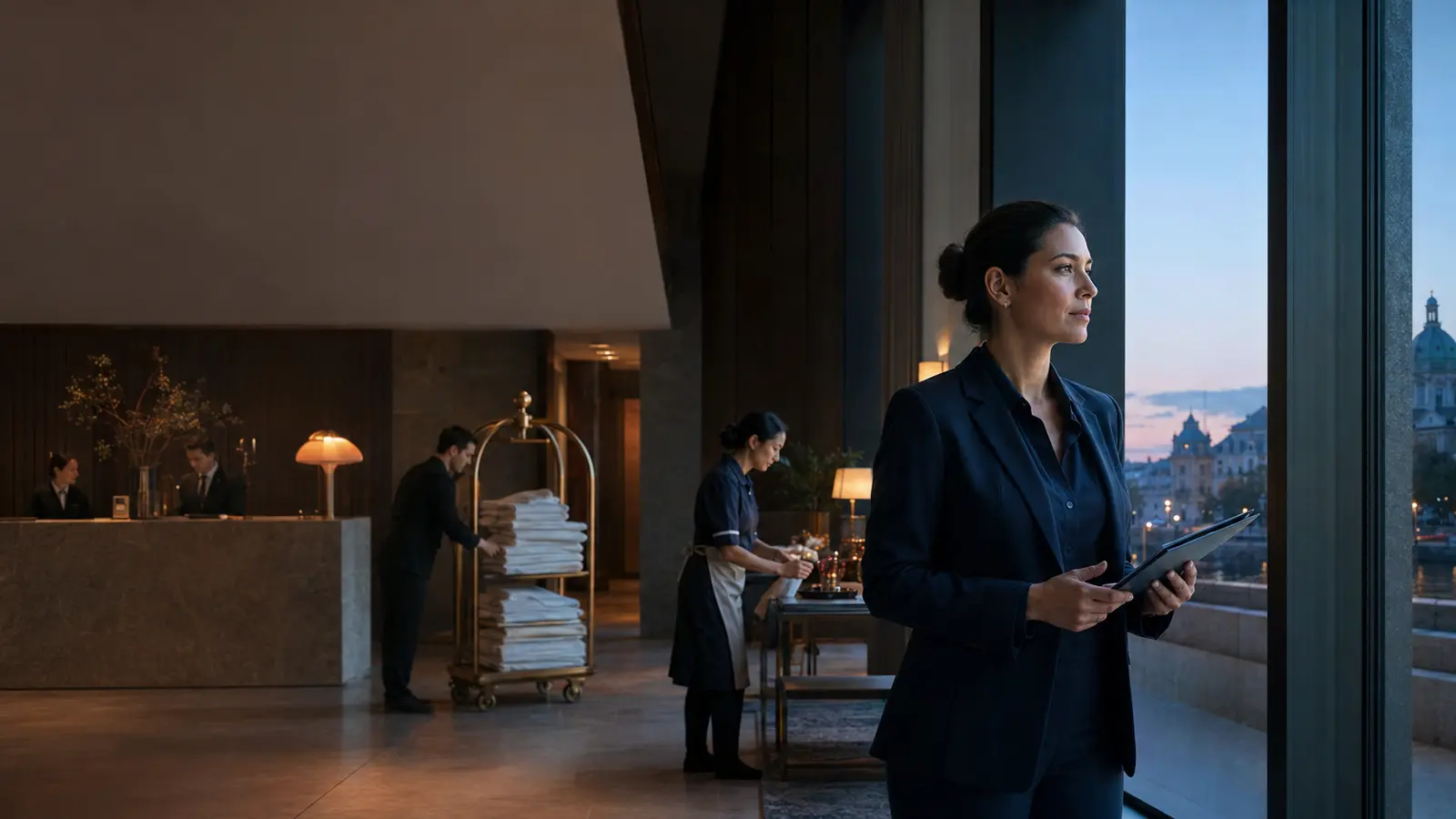
Illustrative workflow · At hotel reception, the booking is managed in CORE. A guest asks to change the stay; NUMA helps the receptionist prepare the change.
Bring the guest’s request and booking details together. Prepare the available option.
Check the rate, dates and any refund before confirming.
Apply the approved change to the booking, keep its history and share the permitted details with the people handling the stay.
TMO CORE + NUMA OPS
CORE is the business management system. Your chapter provides the administration and operational functions for your activity, with shared business records and the right access for each person.
From €149 / month, excluding VAT
Each person signs in with their NUMA account and gets professional assistance within the business chapter. The business controls access and funds chapter usage. No separate OPS Pro subscription is needed, and none of the person’s five Pro workspaces is used.
Additional seat: €15/month. Extra seats share the existing allowance; extra usage is purchased separately.
See chapter pricingAn OPS Pro subscription belongs to the person. A CORE seat is business-funded access inside a chapter. You can have both on the same login.
| What you get | OPS Pro | CORE seat |
|---|---|---|
| Working area | Five owned professional workspaces | The assigned chapter |
| Who pays for AI? | Your Pro allowance | The chapter’s shared allowance |
| Who controls access? | The workspace owner | The business administrator |
| Separate Pro purchase needed? | This is the subscription | No |
| Counts against the five workspaces? | Your own workspaces do | Never |
Use Private Free for your own life and an included CORE seat for hotel work. The hotel funds chapter usage. If you leave, your hotel access ends; your private account stays yours. A consultant with OPS Pro keeps all five owned workspaces when joining the same chapter.
NUMA and OPS support conversation, planning, documents, tasks, decisions and daily operations in the context where the work happens.
A relevant commercial result crosses only when an entitled person or governed workflow confirms the exact scope and consequence.
CORE validates identity, authority, contract and event order before it changes shared transaction state.
Every accepted handoff returns an attributable receipt. Rejection or correction remains visible rather than disappearing into a silent sync.
Business connections · Through your included CORE seats
Use familiar apps alongside your CORE chapter. Your included CORE seats bring messages, documents and daily work together; CORE keeps the approved sale, booking, payment or handover consistent.
Bring the request, customer and appointment into OPS. CORE keeps the approved booking or order consistent.
Prepare the next action with your team. Share the approved commercial result with the participants who need it.
Keep quotes, working sheets and supporting files with the work. Record the agreed terms in CORE.
Use operational information to prepare a decision in OPS. An authorised result can become part of the CORE record.
Standard supported connections are part of your setup. We confirm the actions and access for each account. External provider fees and custom integration work are separate.
 AI customer service · Voice by ElevenLabs
Answer questions about your business on your website and phone. Use agreed business knowledge, capture the enquiry and hand over to a person when needed. Booking, order or account actions are configured only where agreed. Voice technology by ElevenLabs.
Help visitors find answers about your business, products and services through an AI conversation.
Let callers speak with an AI service agent configured for your business and the enquiries you choose to cover.
Illustrations of the two service channels.
Management from €99/month plus usage. Standard implementation from €750 once. Both exclude VAT. Customer conversations have a separate business budget and do not consume staff allowance or a human seat.
Continue exploring
Explore CORE
Daily work stays in OPS; relevant changes keep the shared booking accurate.
Explore the story
Explore CORE
Follow goods through picking, packing and carrier handover to the recipient.
Explore the story


